


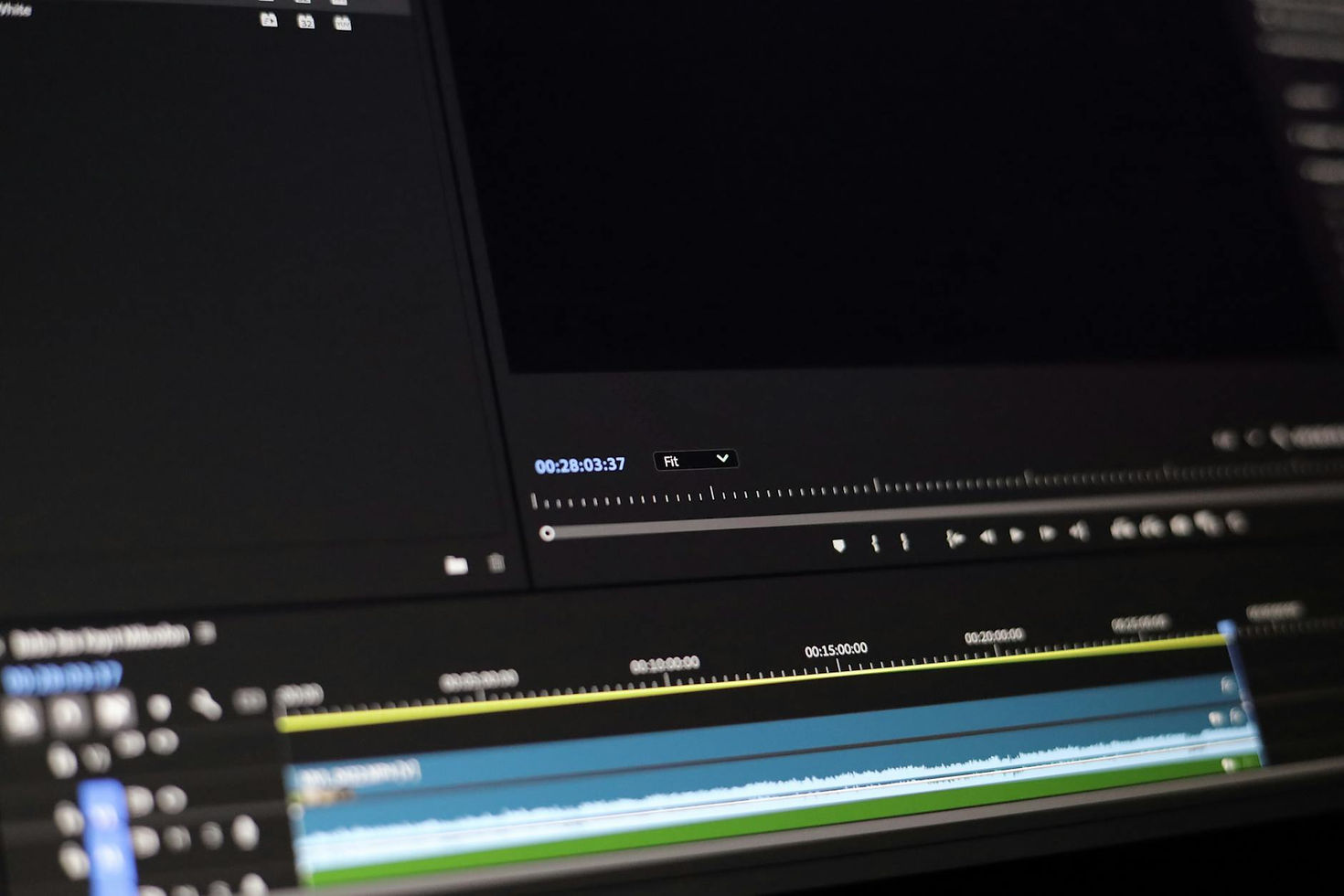
YouTube Video Editing Guide: Master Your Content

In the dynamic world of YouTube content creation, video editing is more than just a final step – it's an art form that defines content quality and success. For creators, producers, and businesses aiming to stand out, mastering editing nuances is crucial. At Bendita Filmes, we understand firsthand how powerful editing can elevate a video from good to exceptional, keeping viewers engaged from start to finish. This comprehensive guide will take you from beginner to advanced, with a focus on effective YouTube production.
1. Choosing the Ideal Video Editing Software
The right tool can make all the difference. The landscape of editing software is vast, catering to different experience levels and budgets. Your choice directly impacts your workflow and the final quality of your videos.
For Beginners or Budget-Conscious Creators
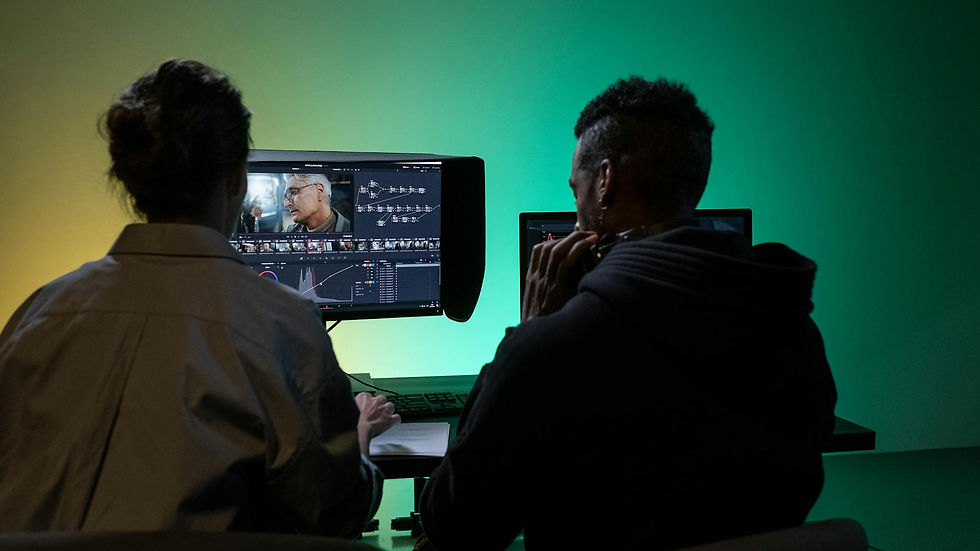
DaVinci Resolve: If you're seeking professional-grade results without a hefty price tag, DaVinci Resolve is our top recommendation. The free version is incredibly powerful, offering editing, cinematic color correction, visual effects, and audio mastering. Many professionals, as you can see behind the scenes on renowned international channels, utilize this tool. While it requires an investment in learning, the return in quality is immense.
CapCut (Desktop & Mobile): For speed and convenience, especially on mobile, CapCut has become a solid choice. The desktop version is also robust and free. It's a fantastic entry point, particularly for dynamic content and those just starting out.
For Professionals and Integrated Workflows
Adobe Premiere Pro: It remains the industry standard for many. Its seamless integration with other Adobe Creative Cloud applications like After Effects and Photoshop creates a powerful ecosystem. If you're already within the Adobe suite, this is the natural choice. The investment here is the subscription fee.
Final Cut Pro: For Mac users, Final Cut Pro offers an optimized experience and a clean interface. If you value performance and an intuitive workflow within the Apple environment, it's an excellent option with a one-time purchase cost.
2. Editing Techniques to Capture and Retain Attention
A video can have the best content, but if the editing doesn't hold a viewer's interest, it won't go far. In today's digital landscape, attention is the most valuable currency on YouTube.
Pacing and Dynamism: The Art of the Cut
Forget long, monotonous shots. Modern YouTube editing is all about maintaining a dynamic pace. Use cuts to:
Emphasize key points: A quick cut to highlight crucial information.
Create flow: Smooth transitions between dialogues or actions.
Accelerate the narrative: In tutorials, cut to the next step without delay. In vlogs, use rapid cuts to convey the passage of time.
Think of editing as a musical beat; it dictates the energy of your video.
The Power of Audio and Soundtrack
Music and sound effects (SFX) are your allies in creating atmosphere and impact. A well-chosen soundtrack can:
Evoke emotion: Upbeat music for exciting moments, calm scores for complex explanations.
Add punch: 'Swoosh' SFX for transitions, 'ding' for correct actions, or even comedic sounds for humor.
Creativity in SFX usage is a major differentiator and can even turn moments into viral hits.
Visual Elements to Enhance the Narrative
Video is a visual medium, and editing should leverage this to its fullest:
B-roll: Secondary footage that illustrates what's being said. If you're discussing a product, show it in action. This breaks the monotony of talking heads and makes content more dynamic and digestible.
Graphics and Animations: Essential for explaining data, abstract concepts, or presenting information clearly and modernly. A well-animated graphic is worth a thousand words.
On-Screen Text: Titles, keywords, calls to action (CTAs), and captions reinforce your message and keep viewers engaged, especially those watching without sound.
The Initial 'Hook': The First Seconds Decide Everything
The first 5 to 15 seconds are critical. A strong visual or verbal hook is what prevents viewers from clicking away. This is more important than ever. Show the final result, present an intriguing problem, ask a provocative question.
3. Optimizing Export for YouTube
Export is where your creation comes to digital life. Correct settings ensure the best quality and compatibility.
Resolution and Frame Rate
Resolution: The current recommendation for YouTube is to use the highest possible resolution, ideally **4K (3840x2160)**. Even if your footage is in 1080p, exporting in 4K can provide more detail and flexibility. For most, **1080p (1920x1080)** remains perfectly acceptable.
Frame Rate: **24fps** or **25fps** offer a more cinematic look. **30fps** is the web standard and works well for most content. If your video involves a lot of motion (gaming, sports), **60fps** is ideal.
Codec and Bitrate: Quality vs. File Size
Codec: **H.264 (AVC)** is the gold standard recommended by YouTube, offering an excellent balance between quality and file size. **H.265 (HEVC)** is also a more modern and efficient compression option, if your software supports it and you're confident your audience can play it back smoothly.
Bitrate: This is the Achilles' heel for many. A bitrate that's too low results in pixelated images, while one that's too high creates massive files. YouTube's recommendations for H.264 are a good starting point:
1080p: 8 Mbps (SDR), 16 Mbps (HDR)
1440p (2K): 16 Mbps (SDR), 27 Mbps (HDR)
2160p (4K): 35 Mbps (SDR), 53 Mbps (HDR)
Our daily advice: use bitrates slightly above these recommendations if your content has a lot of action or fine detail. YouTube generally re-compresses videos anyway, so slightly higher quality at the source always helps.
File Format and Audio
Format: **MP4** is the most universal and recommended.
Audio: **Stereo (2 channels)** is the standard and caters to the vast majority of viewers.
4. Editing for Business Channels
For businesses, YouTube is a powerful platform for building brands, educating customers, and driving growth. Editing reflects this professionalism and strategy.
Impeccable Corporate Visual Identity
Your channel is an extension of your brand. This means:
Logo and Color Palette: Your company logo should appear subtly and consistently. Use your brand's visual identity across all graphic elements (text, captions, backgrounds).
Professional Intros/Outros: Short, impactful intros and outros aligned with your company's visual communication. Avoid generic branding!
Clarity, Information, and Storytelling
Corporate content on YouTube is often educational or informative. Editing should prioritize:
Explainer Graphics and Animations: Perfect for demonstrating products, services, processes, or data. They make complex information accessible.
Legibility: On-screen text should be clear, with appropriate fonts and sizes, positioned so as not to obscure the main content.
Corporate Storytelling: Tell stories. Whether it's about the company's origin, client success stories, or the values that drive the organization. Well-edited narratives engage and build trust.
Editing should be clean and professional, avoiding excessive effects that might distract from the core message.
Strategic Calls to Action (CTAs)
What do you want viewers to do after watching? A clear, well-integrated CTA is fundamental. Whether it's visiting a website, downloading a resource, subscribing to the channel, or contacting you. Use visual and verbal cues to guide your audience.
Example: A software channel might use a simple animation to show where to click on a website, while a consulting channel might display contact information full-screen at the end of the video.
Conclusion and Next Steps
Mastering YouTube video editing in today's landscape is a combination of choosing the right tools, applying retention techniques, and optimizing delivery. At Bendita Filmes, we live this daily, producing content for diverse clients, always focusing on results. Remember, editing is where your creativity meets strategy.
If you're just starting, explore DaVinci Resolve. For speed and convenience, CapCut is a great option. For professionals, Premiere Pro or Final Cut Pro will serve you well. Practice pacing, audio usage, and visual element techniques. And never, ever underestimate the power of a strong hook and well-configured export.
YouTube is constantly evolving, and your editing should too. Keep learning, experimenting, and most importantly, delivering value to your audience.
About Bendita Filmes
Bendita Filmes is a full-service video production company and agency based in São Paulo, Brazil, specializing in:
Corporate Videos · YouTube Production · Instagram & TikTok · Advertising Campaigns · Event Filming · VFX & Animation · Live Streaming · AI Video Production · Photography


